
Having an account helps keep everything organized, gives you full control over your schedule, and makes managing your lessons quick and easy 😊
Login to manage your appointments
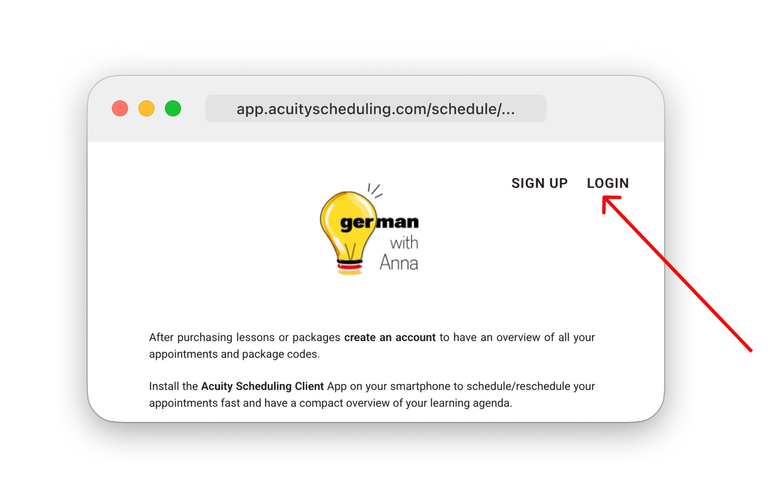
Once your account is set up, you can log in (as shown in the picture on the left) to the Acuity Scheduling calendar to:
- Book new sessions
- Reschedule existing appointments up to 24h in advance
- View all your past and upcoming lesson

New students: Sign up first
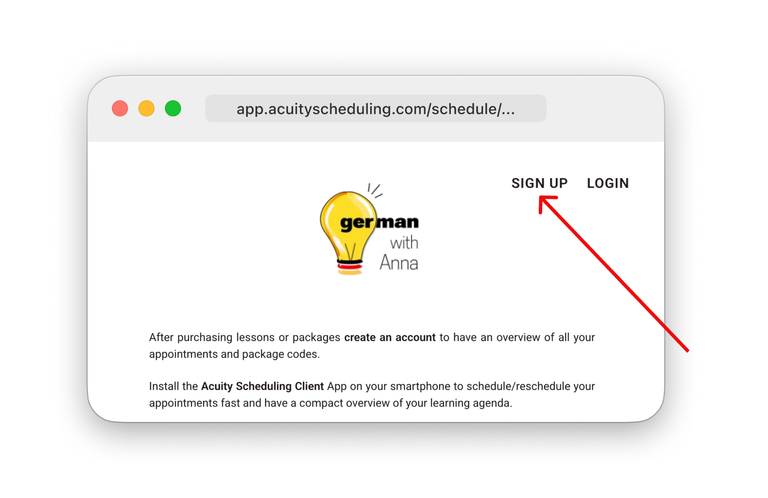
Before purchasing a package or a single lesson, please create an account (as shown in the picture on the left).

Scheduling page on your smartphone
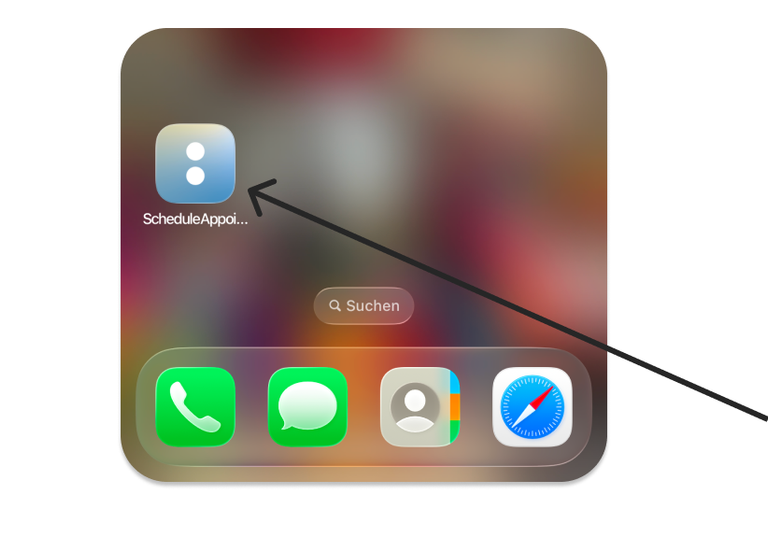
Follow these steps to add a scheduling page directly to your phone's home screen for one-tap access:
- Open the client scheduling link in your mobile browser.
- Tap the Share icon (iOS) or the Menu dots (Android).
- Select "Add to Home Screen."